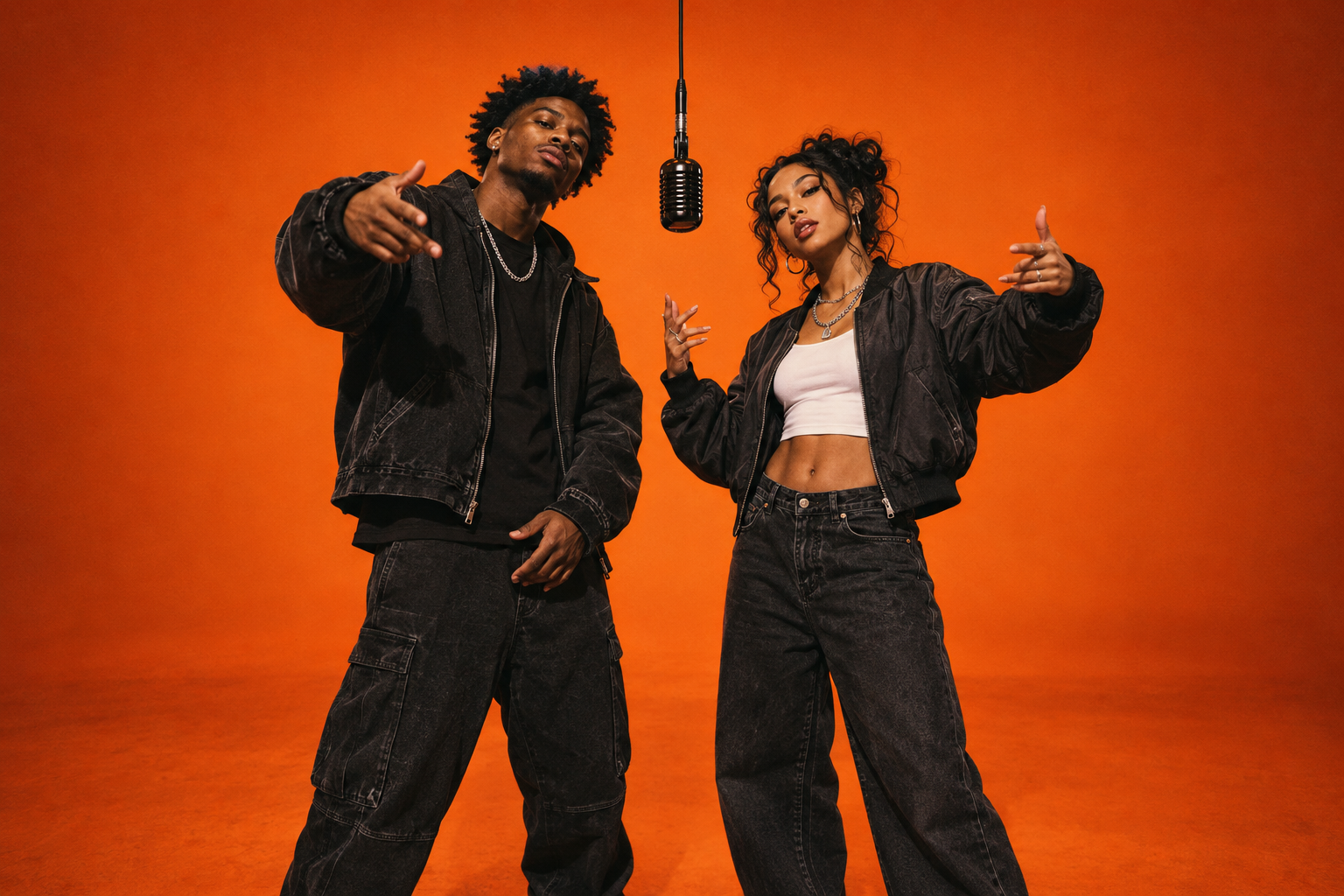
Start with the full performance.
Create your Hotel Lobby AI video from two separate portraits, then download the finished MP4 from My videos. The output is 10 seconds in 16:9 landscape, with the template soundtrack included. Save that original before preparing a posting version.
Watch the clip once all the way through. Notice where each person moves and how much room they need at either edge. A layout that looks fine on the opening frame can still cut off a performer later in the take.
A wide duo on a tall screen.
For a portrait post, create a 9:16 project in your usual video editor and fit the whole landscape clip inside it. Center the performance and use the space above or below for a short headline. A plain dark background echoes the booth without competing with the faces.
This is a layout you make after downloading; the generator itself exports landscape. Keeping that distinction in mind helps you choose the right framing before you start.
Fit the full frame
Recommended for the duo. Both performers and the hanging mic stay visible. Use the remaining canvas for a caption, a simple background or breathing room.
Crop to fill
Fills a portrait screen but removes much of the wide shot. Only use it after checking the entire clip; a central crop can lose the partner or the movement at the sides.
One line is enough.
Give viewers a reason to recognize the pair before they hear the whole performance. A short line like “The group chat booked a studio” or “Different cities. Same mic.” sets the scene without telling a second story over the first one.
Place text outside the performance area where possible. Leave generous space near the outer edges and check the post preview on your phone, because app controls and captions can overlap the frame. If you want more ideas, the rap video ideas page pairs occasions with sample captions.
Let one soundtrack lead.
The downloaded clip already includes music. Listen to your final edit before posting. If you add another sound in your editing or social app, check the levels so two vocal tracks are not fighting each other.
Export your sharing version and play it back from your camera roll. Check that the music is audible, both faces stay visible and the final second is present. That quick review catches framing and export mistakes before your friends see them.
Your final pre-post check.
Use the finished MP4 rather than a screen recording of the player. Keep the original landscape copy alongside your portrait edit so you can share a clean version in group chats or make a different layout later.
Choose the AI-content label in the posting app where applicable, add the caption and preview once more. You are ready to share the moment. The same full-frame approach is useful when preparing a portrait layout for Reels or Shorts; check the preview in whichever app you use.
TikTok’s guide to the AI-content label ↗