01 / Pick the performance.
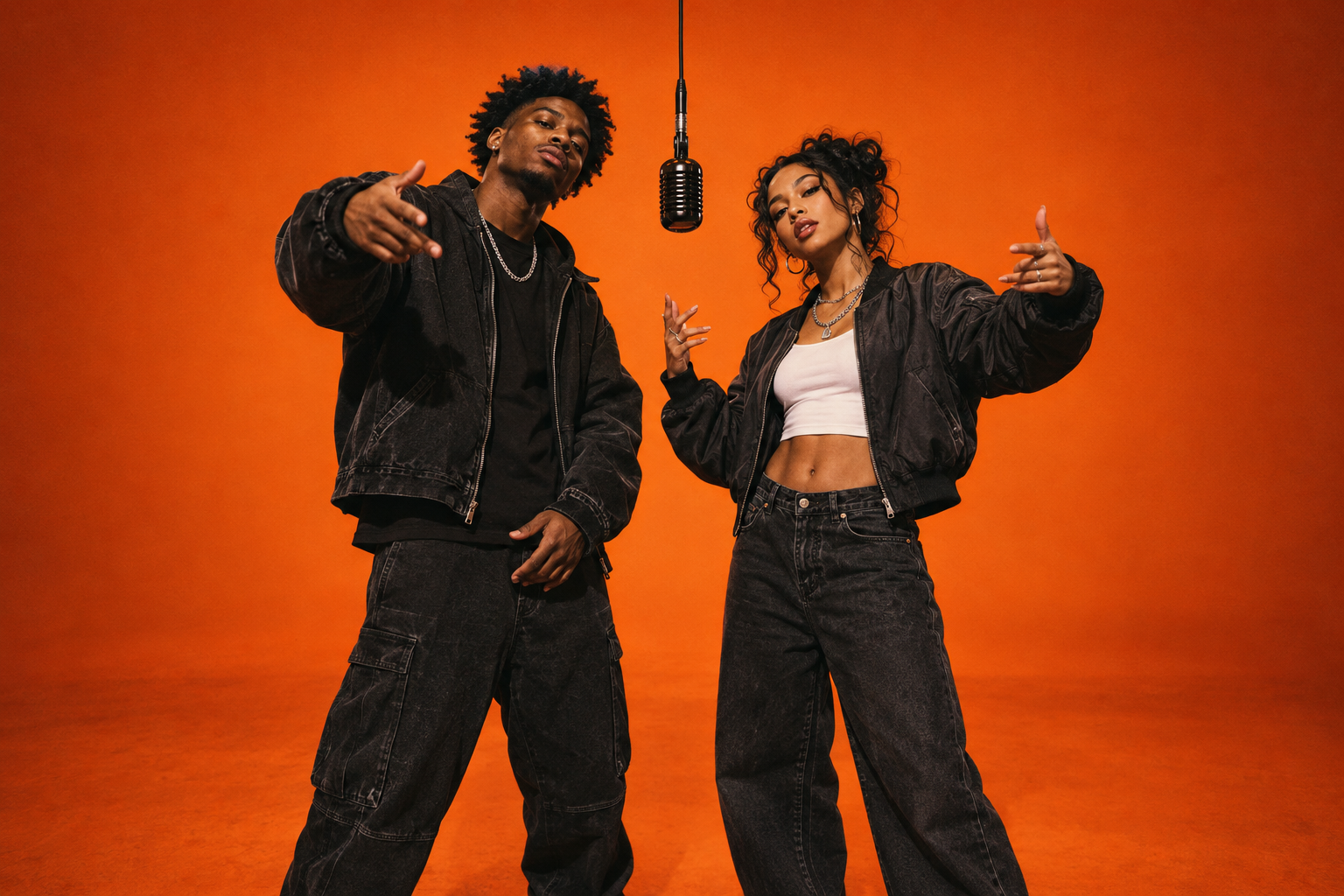
Start by watching the Hotel Lobby template preview in the studio. Listen to the soundtrack and notice how the two performers share the frame. The template already sets the scene, music and movement, so this is the moment to decide whether its energy fits your idea.
Hotel Lobby is the first available template. It makes a 10-second landscape video in 16:9. You do not need to write lyrics or record a verse; your photos personalize the performers in the prepared session.
02 / Add your cast.
Upload a clear portrait to each photo slot. The first is the lead artist; the second is the hype partner. Choose shots with visible eyes and mouth, even lighting and a little space around the shoulders. The two photos can be taken separately.
If you want to get familiar with the studio first, select Photo example. Both slots fill with one click. Replace either photo when you are ready, or use Swap performers to change the order. Check that both uploads have finished before continuing.
Photo checklist
One person in each image. JPG, PNG or WebP. Up to 10 MB per photo. No need for a matching backdrop.
Before you generate
Check the person in each slot, the template preview and your available video balance. Choosing the pair now saves a second take later.
03 / Sign in. Take the mic.
Press Generate rap video. Sign in if you have not already, so your performance has a home in My videos. The studio keeps your selected photos through sign-in. One Hotel Lobby generation uses one video from your balance.
If you need credits, choose a one-time video pack in the studio. Your photos stay ready while you check out, and generation continues after payment is confirmed. Packs start at $4.99 for one video; there is no subscription to manage.
Once the generation is accepted, you can leave the page and check My videos later. Wait for that take to finish before deciding whether to make another. If generation fails, the video credit returns to your balance.
04 / Watch it. Save it. Drop it.
Open My videos with the same account you used to create the clip. Play the finished video with sound and check the full performance. Then use Download MP4 to save a copy to your device, ready to share.
Keep the original landscape file as your master copy. For group chats, send that file directly. For a vertical feed, use a portrait canvas around the whole video so both performers stay visible. Add your caption in your usual social app or editor after downloading.
Make the next take count.
If you want to try another look, change one thing at a time: a clearer lead portrait, a new partner or the order of the performers. That makes it easier to see which photo combination you like best.
Start with one take before planning a whole series. Once you have a pairing you love, our rap video ideas page has group-chat reveals, birthday entrances and simple caption ideas for your next drop.